Free family tree maker with no sign-up

Short answer
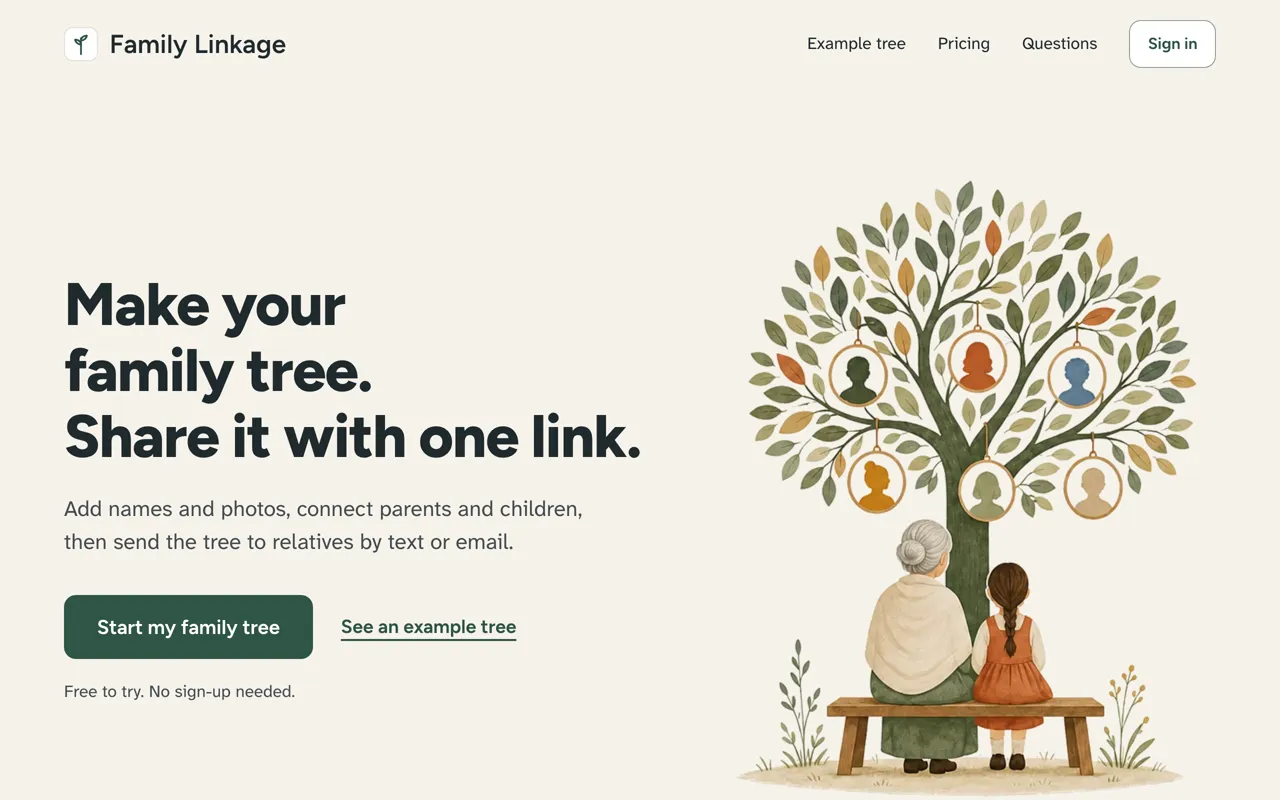
On Family Linkage you press one button and start your tree, with no account. A free account keeps it, and your relatives open the tree with a link, with no account and nothing to install. For no account at all, use a printable template.
How do you start with no account?
- Open familylinkage.com and tap Start my family tree.
- Add yourself, then your parents.
- Create a free account to keep the tree and get a link to share.
Can relatives see it with no account?
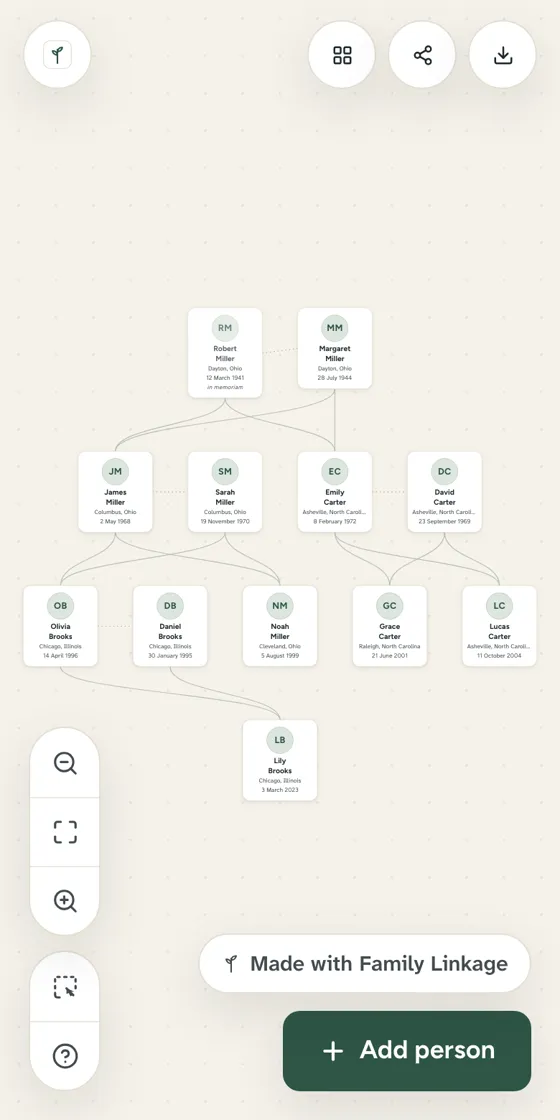
Yes. You send a view-only link. They tap it and see the whole tree. No sign-in screen, no app.
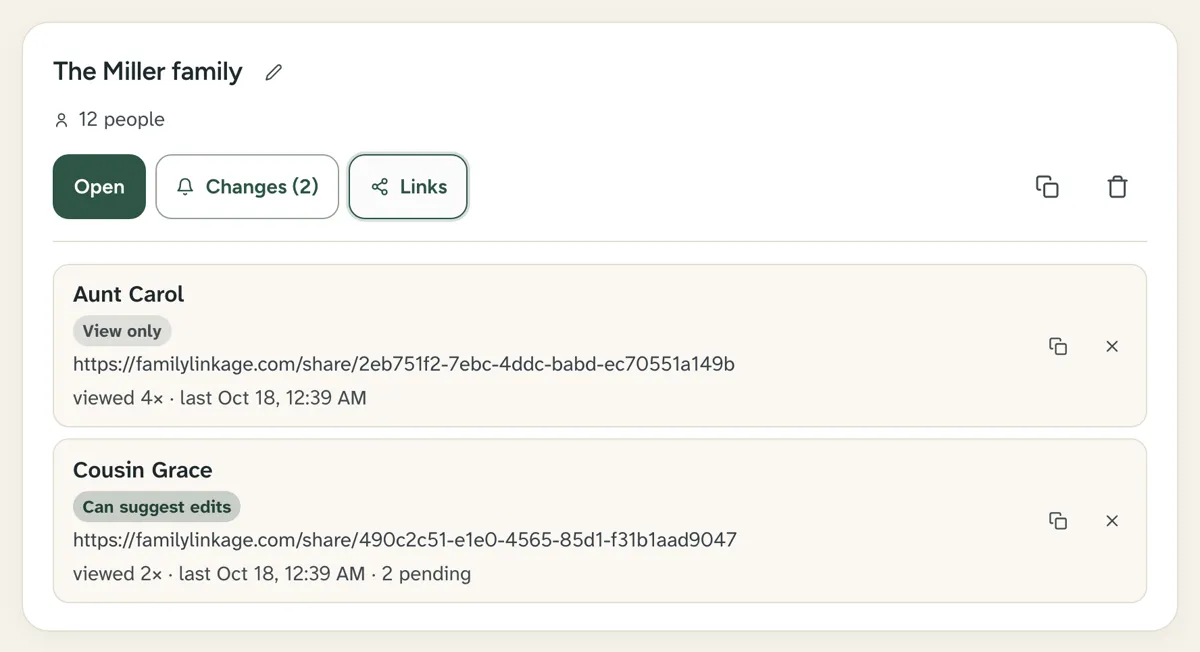
You can see how often each link was opened, and stop any link at any time.
Which tools need no sign-up?
| Option | Start with no account | Relatives need |
|---|---|---|
| Family Linkage | Yes, with one button | A browser and the link |
| FamilyEcho | Yes, but sign in to save and share | A share link |
| Gramps | Yes, you download it | Not stated |
| Printable template | Yes | Nothing. Hand them a copy |
| Ancestry, FamilySearch | No, a free account | An account on the same site |
Sources, checked October 17, 2026: FamilyEcho, Gramps, Ancestry sharing, FamilySearch.
Questions people ask
Can I make a family tree without signing up?
Yes. On Family Linkage, tap Start my family tree and add your first people with no account. A printable template needs no account at all.
Can relatives see my tree without signing up?
Yes, with a Family Linkage view-only link. They open it in a web browser on any phone, tablet or computer.
Why do I need an account to share?
An account keeps the tree safe and lets you open it on another device. It is free. Your relatives still need nothing.
First published . Last updated . Written by the Family Linkage team. Facts about other websites were checked on the date shown next to them.