How to make a family tree in 5 steps
Short answer
Start with yourself. Add your parents, then your grandparents. Ask an older relative to fill the gaps. You can do it free online at familylinkage.com, where the tree draws itself as you add people, or on paper with a printable template.
How do you make a family tree online?
1. Open familylinkage.com
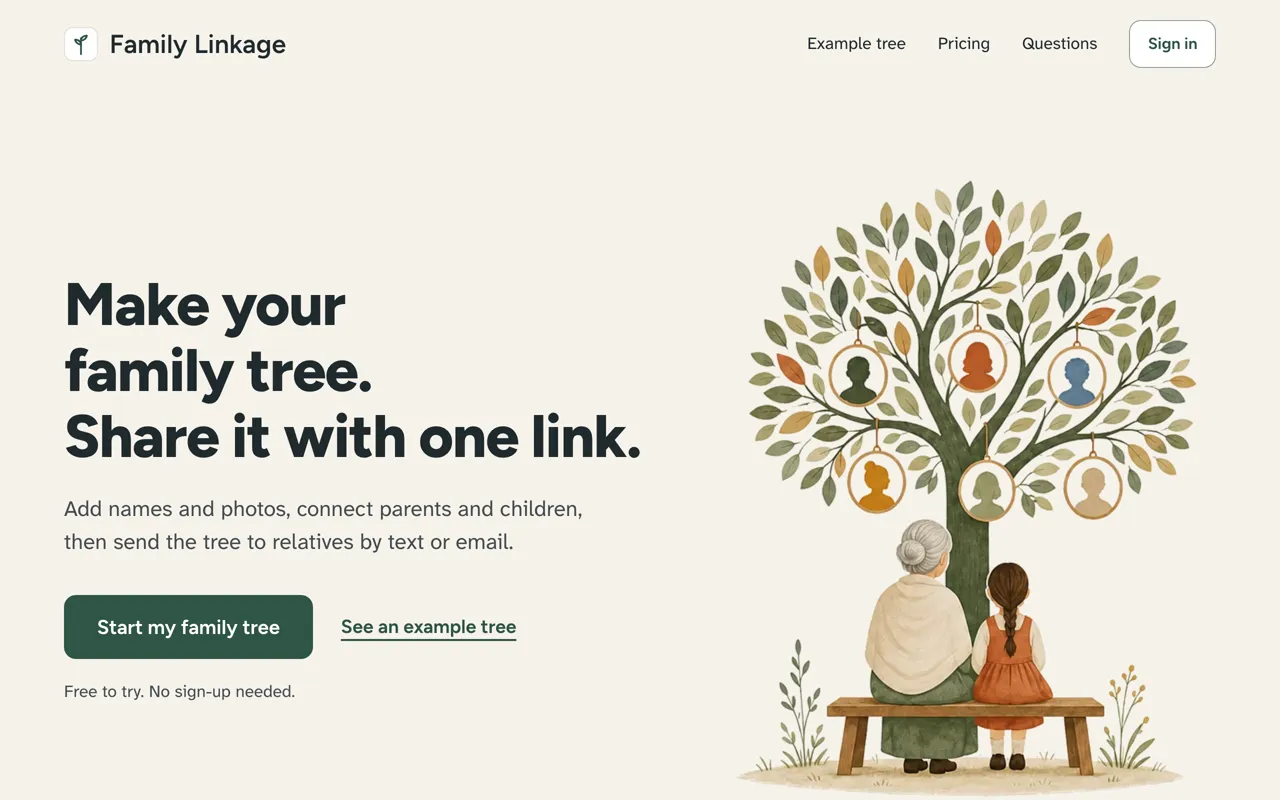
Go to familylinkage.com and tap Start my family tree. There is no sign-up and nothing to install.
2. Add yourself
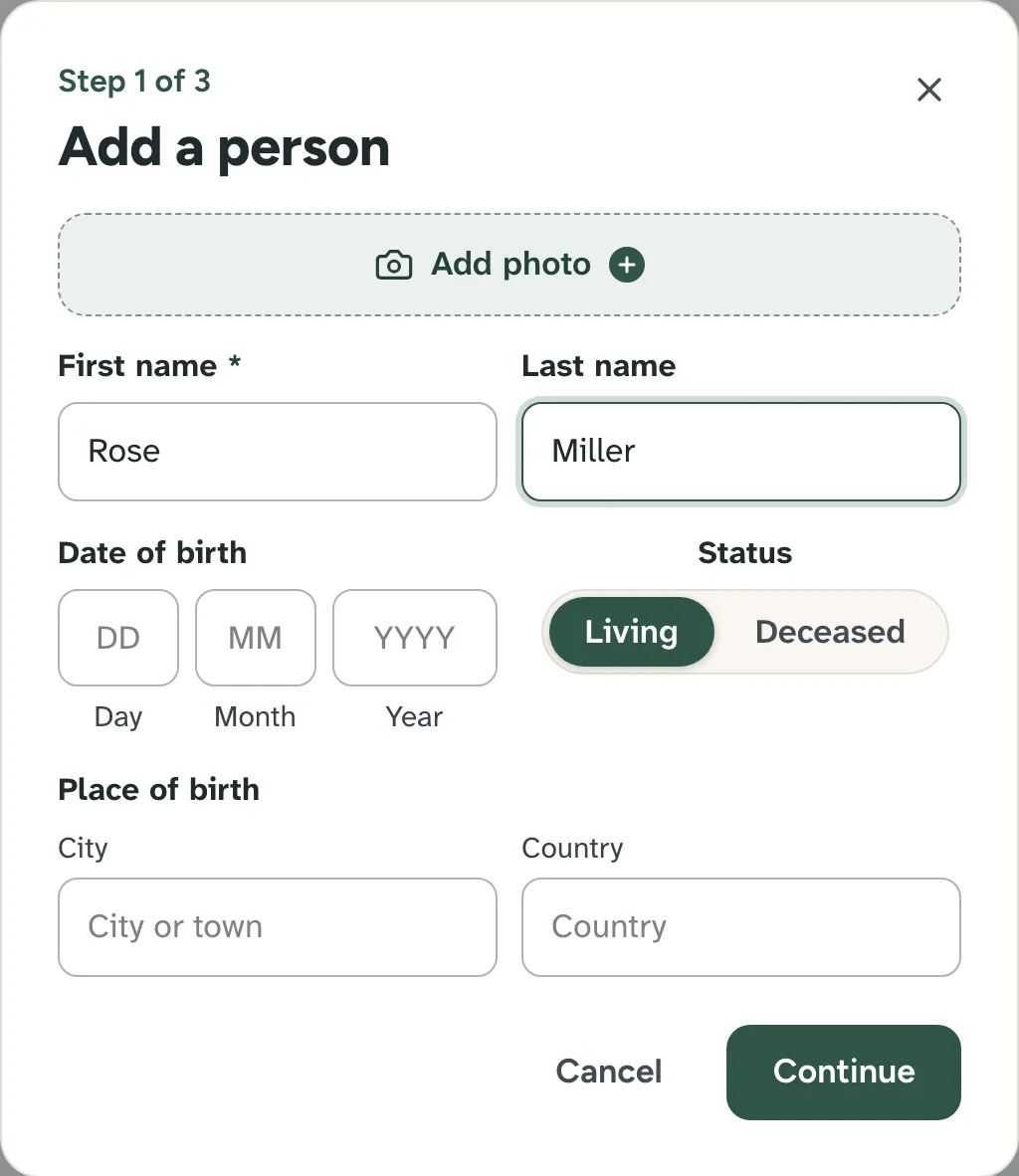
Type your name. Date and place of birth are optional.
3. Add your parents and grandparents
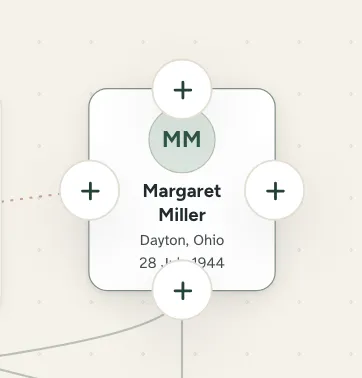
Tap a plus on a card to add a parent, partner or child.
4. Keep going
Add everyone you know. The tree lays itself out.
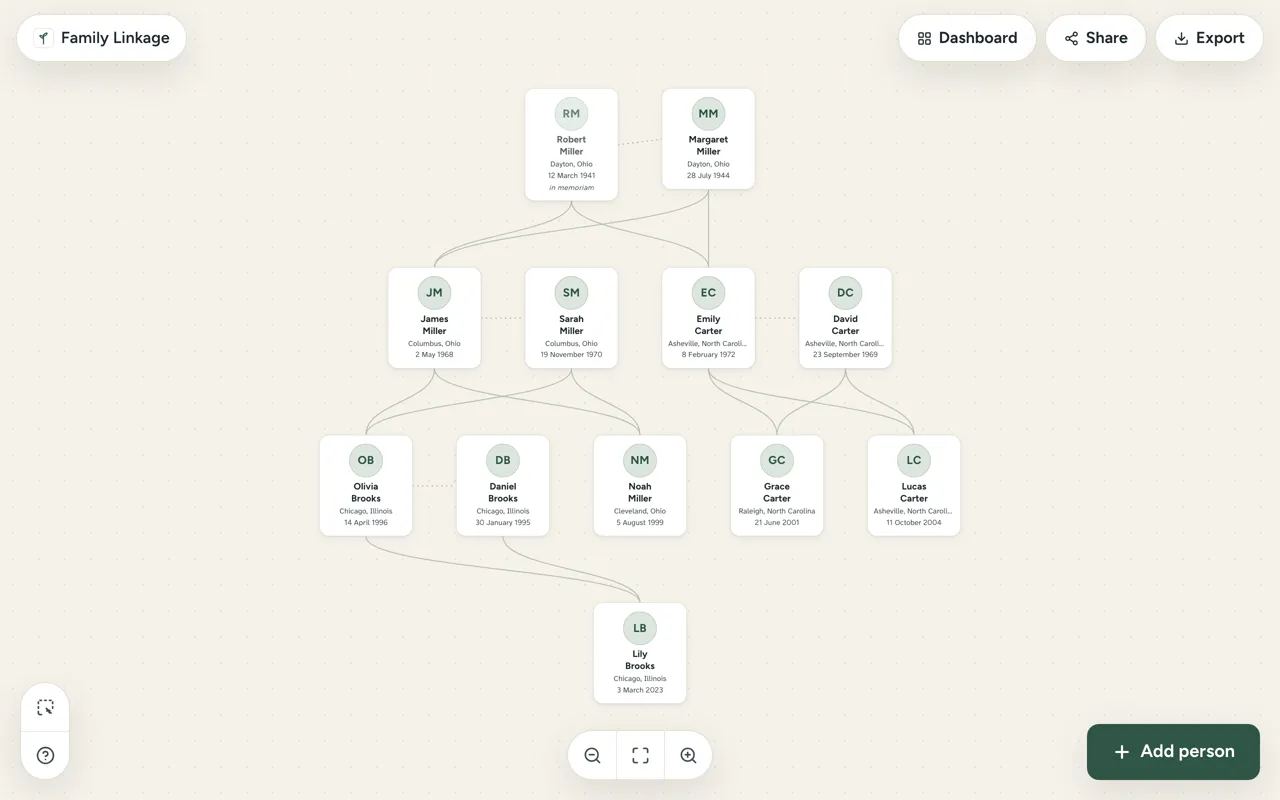
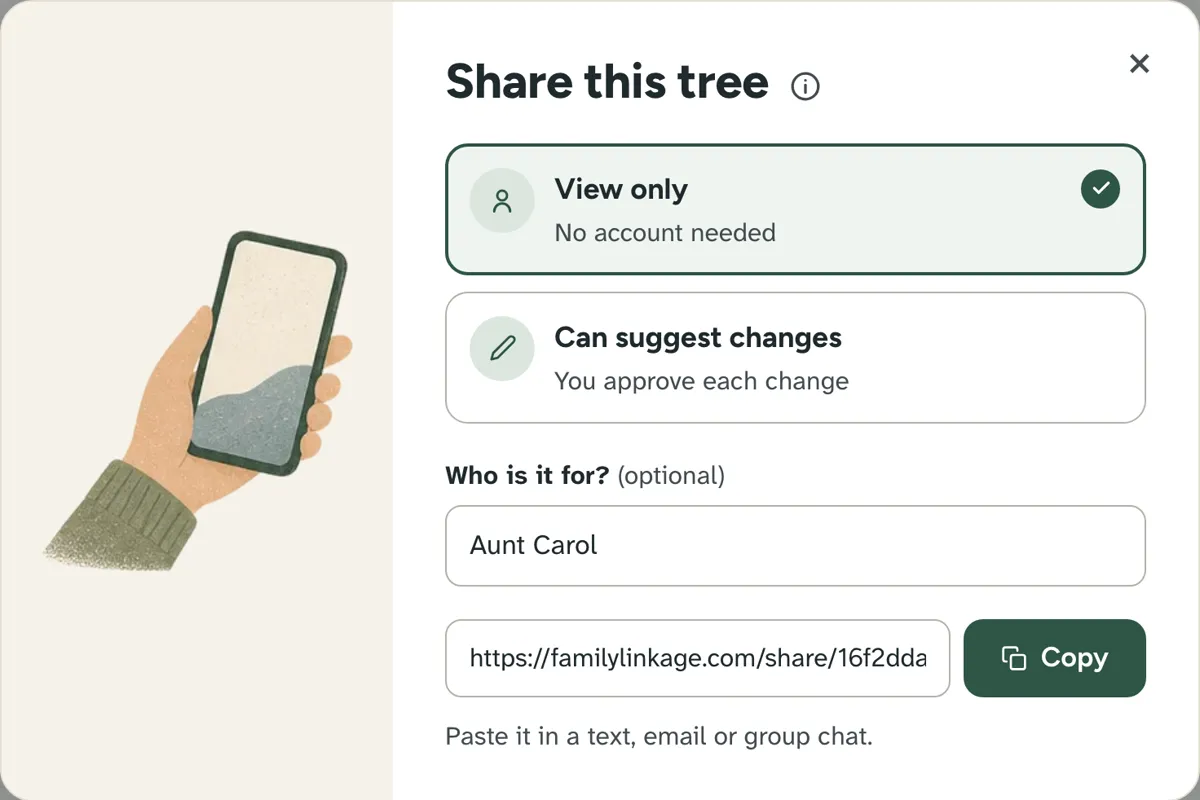
5. Share it
Make a link and send it. Relatives open it on any phone, with no account.
What should you ask your relatives?
- Full names, including maiden names
- Dates and places of birth
- Who married whom, and their children
Not sure of a date? Write "about 1920".
Prefer paper?
Print our free family tree template: four generations on one page.
Questions people ask
What do I need to start a family tree?
Only names. Dates and places of birth help, but you can add them later.
How many generations should a first tree have?
Four: you, your 2 parents, your 4 grandparents and your 8 great-grandparents. It all fits on a free account.
Do I need a DNA test to make a family tree?
No. A family tree is made from what you and your relatives know. Family Linkage does not offer DNA tests.
First published . Last updated . Written by the Family Linkage team. Facts about other websites were checked on the date shown next to them.