How to share a family tree with your family

Short answer
Send a link. On Family Linkage, tap Share, choose View only, and copy the link into a text, email or group chat. Relatives open it on any phone with no account. To let them add people, send an edit link, and you approve each change.
How do you share a family tree with a link?
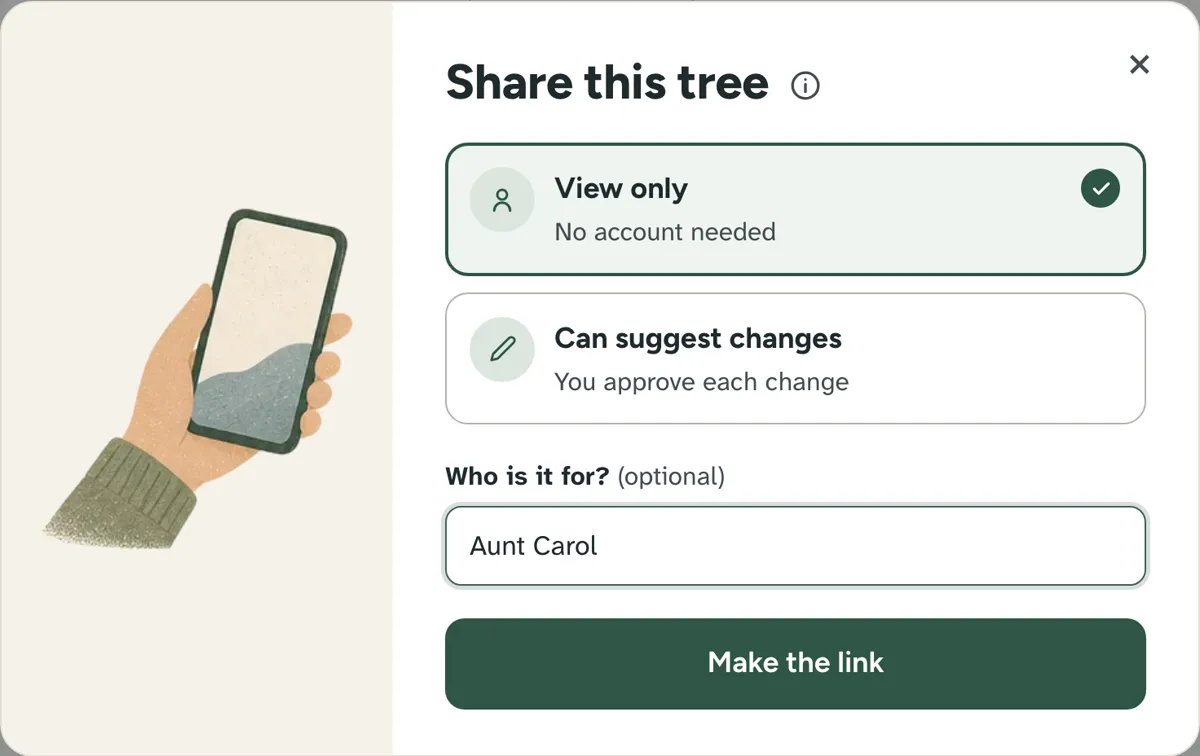
1. Tap Share and choose View only
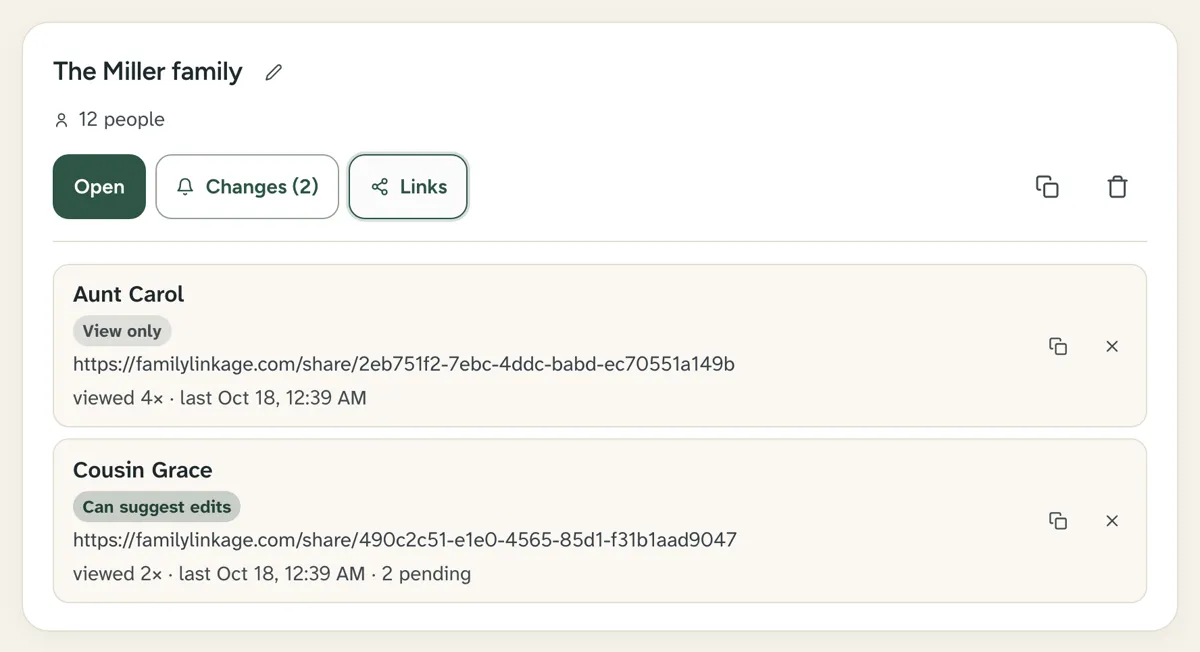
Add a name, such as "Aunt Carol", to see who opened it.
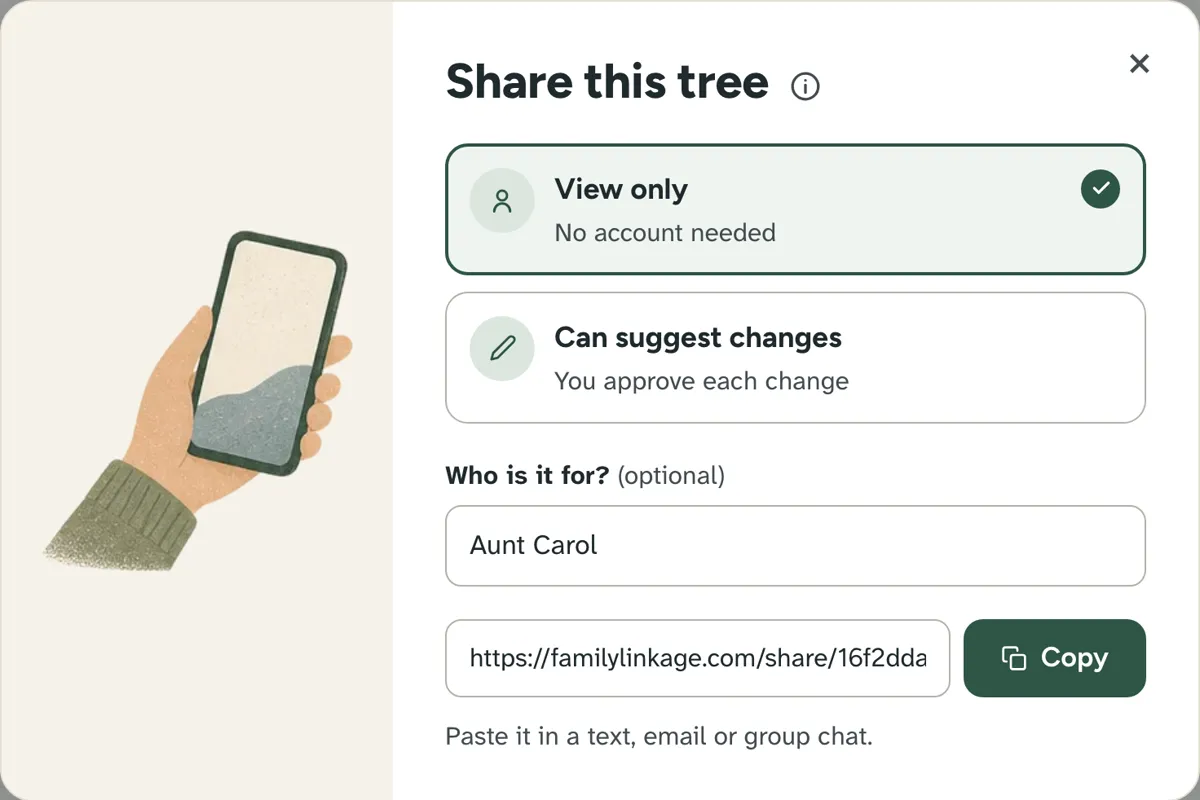
2. Copy the link and send it
Paste it into a text, email or group chat.
3. They open it on their phone
No account, no app.
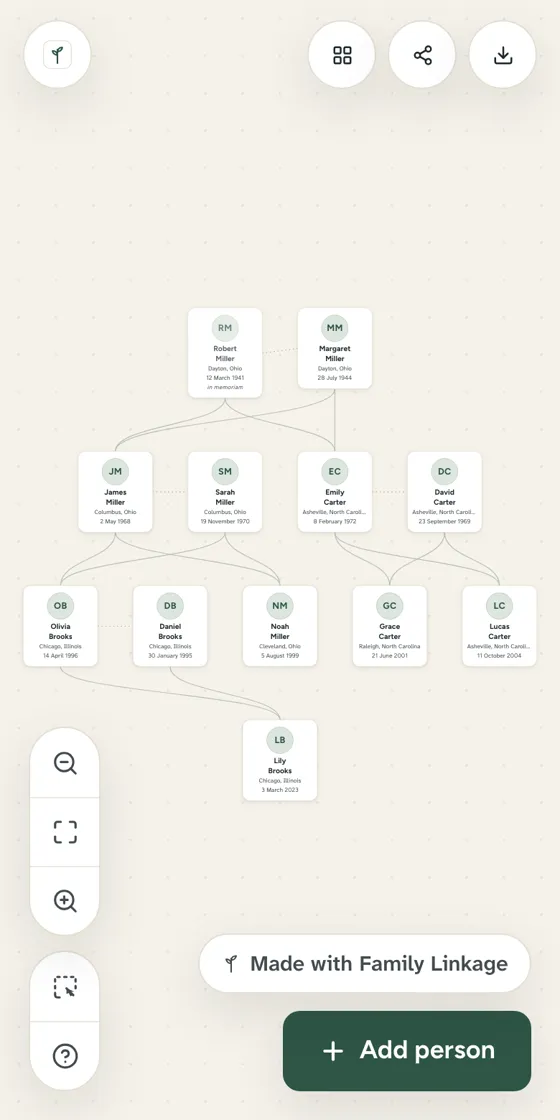
4. See who opened it
You see how often each link was opened. Stop any link with one tap.
Can relatives add to the tree?
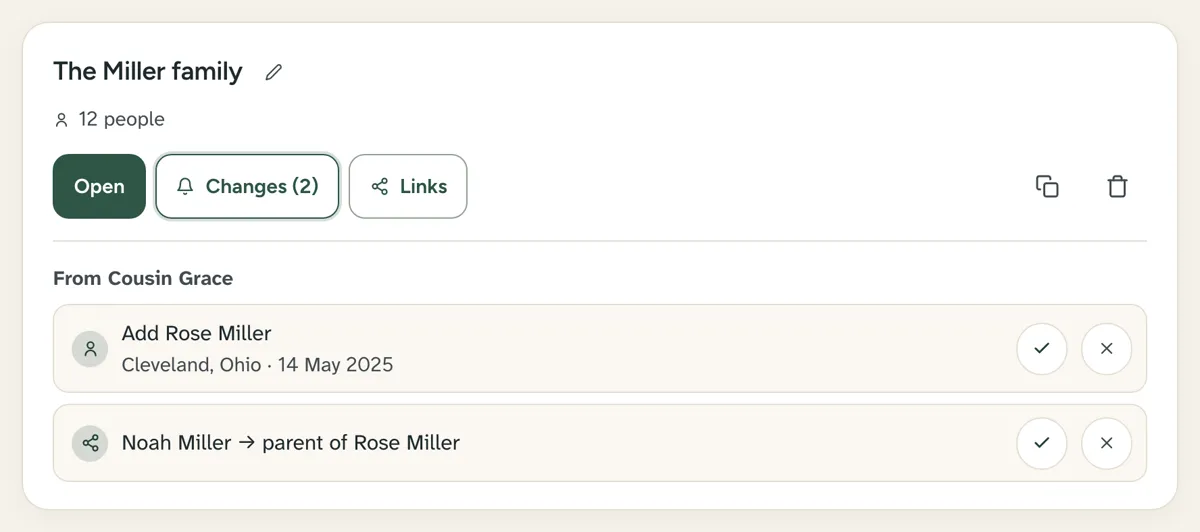
Yes, with an edit link (Standard plan). They suggest people and photos. Nothing changes until you approve.
Can you print it?
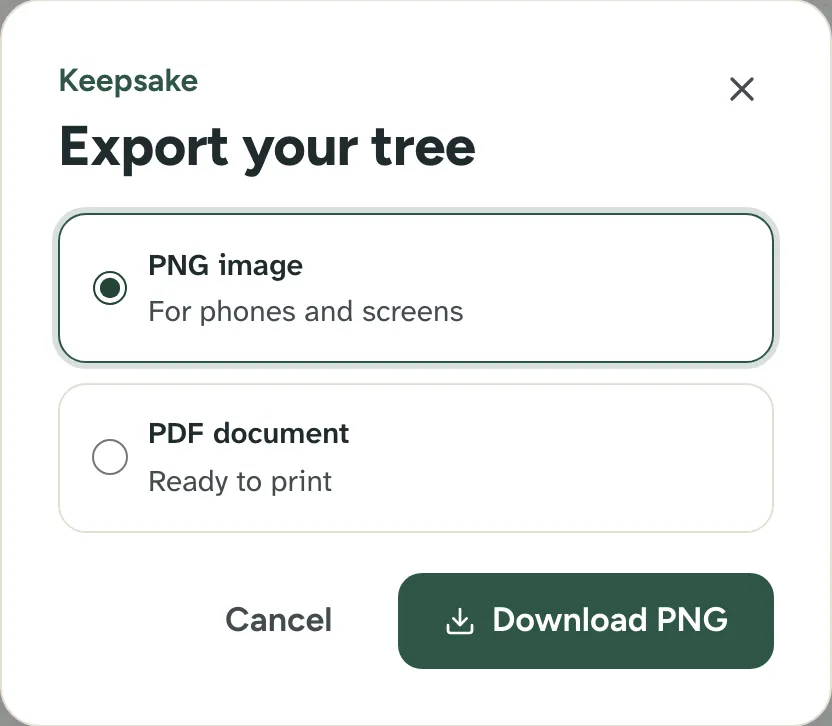
Yes. On Standard, save the tree as a PNG or a PDF to print.
Other ways to share
- Ancestry or FamilySearch: relatives need an account on the same site.
- Paper: print our free template and fill it in together.
Questions people ask
Do relatives need an account to see my tree?
No. A view-only link opens in any web browser, with no account and nothing to install.
Is my shared tree public?
No. Only people with the link can see it, and shared trees are hidden from search engines. You can stop any link at any time.
How do I share with someone who is not online?
Print it. On Standard, save the tree as an A4 PDF and print it. Or fill in our free printable template by hand.
First published . Last updated . Written by the Family Linkage team. Facts about other websites were checked on the date shown next to them.